

Turn product photosinto ready-to-run ad creatives
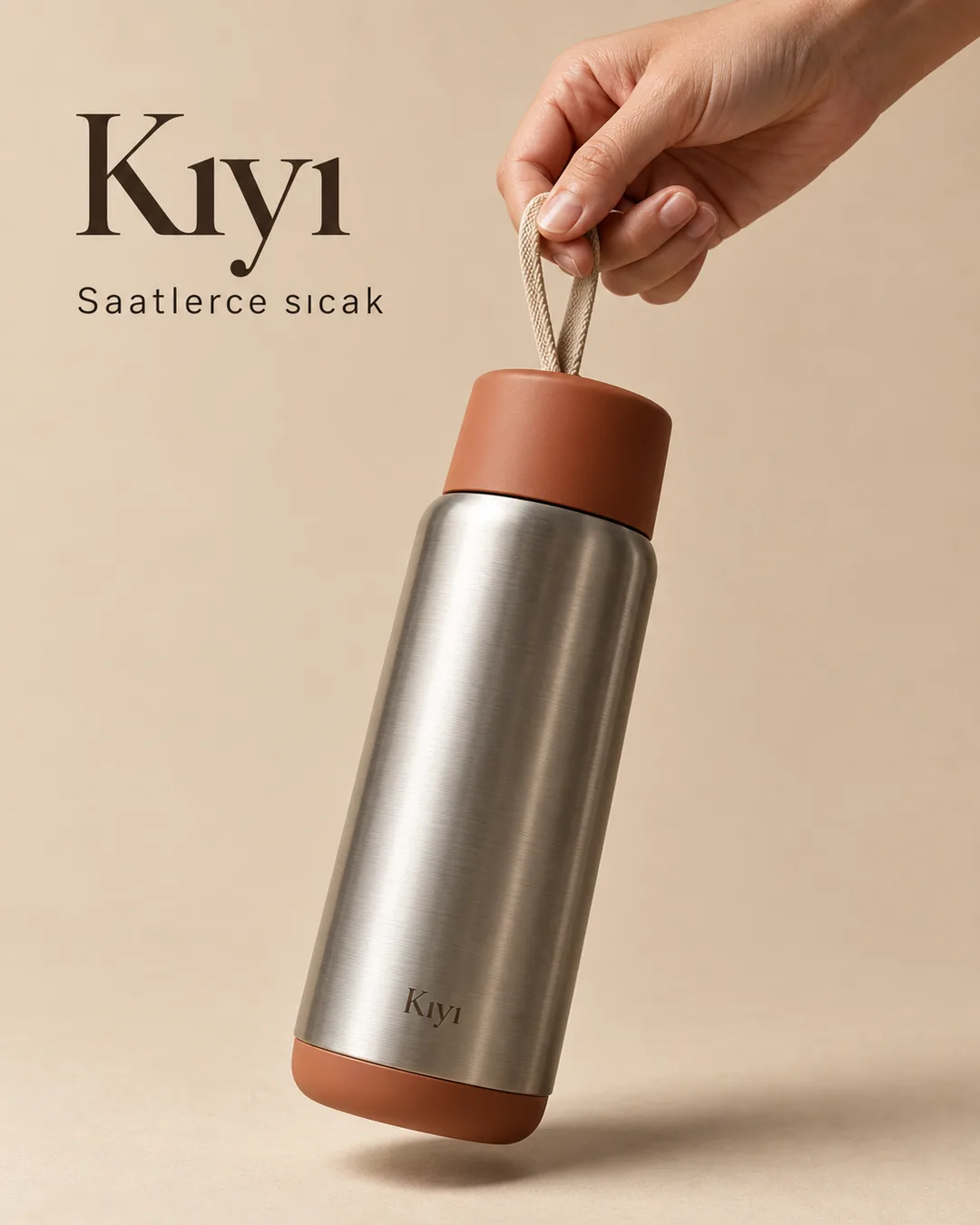
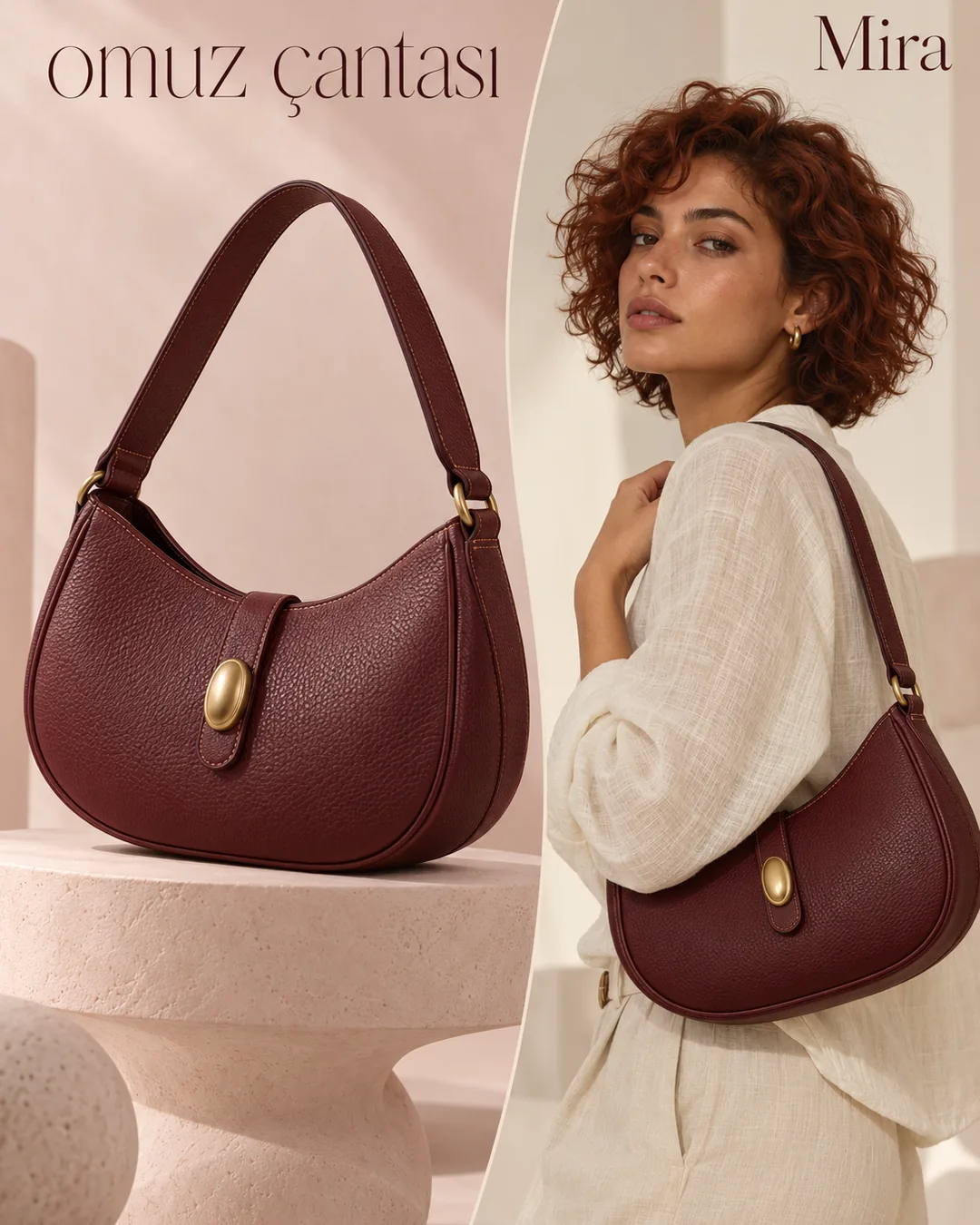
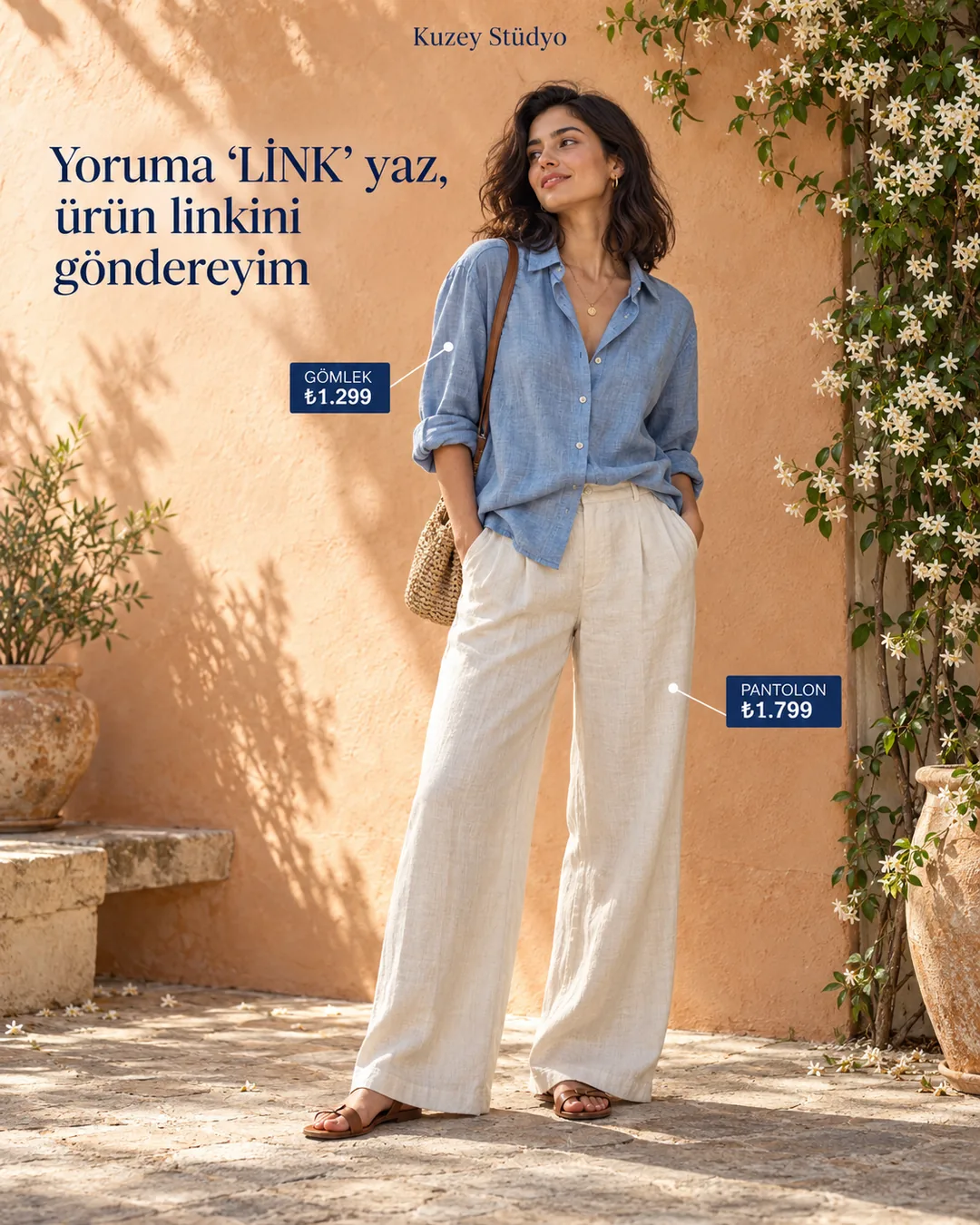
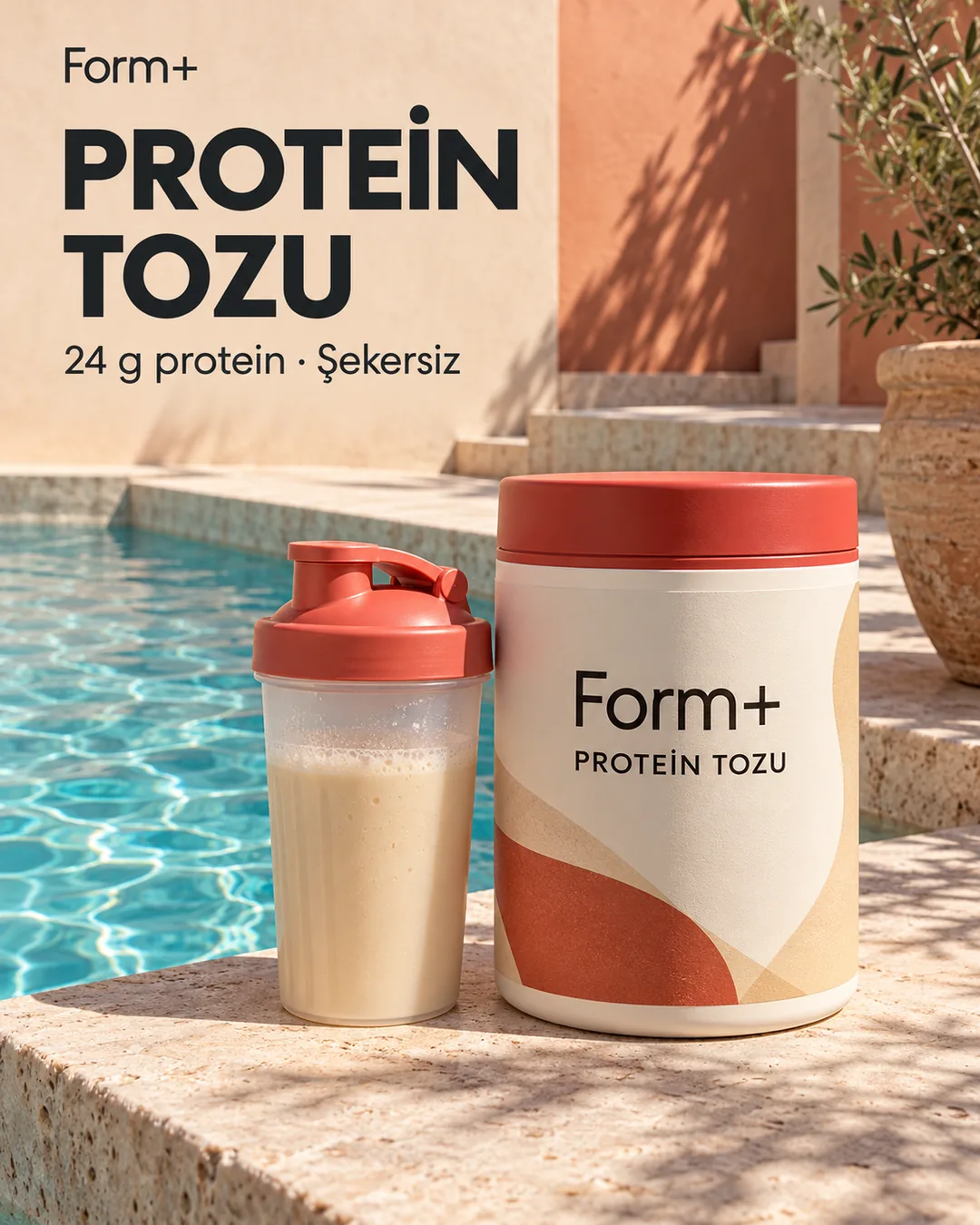
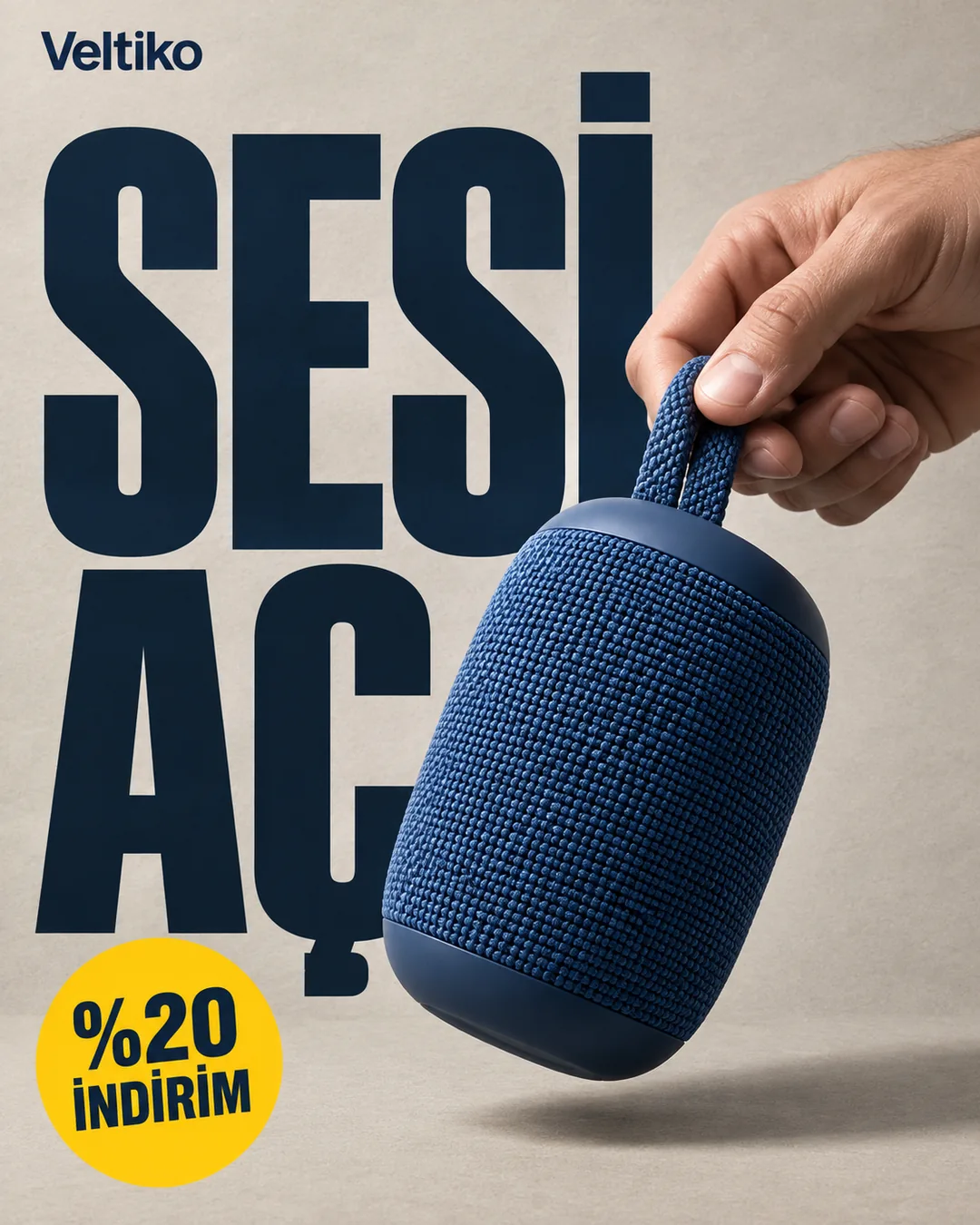
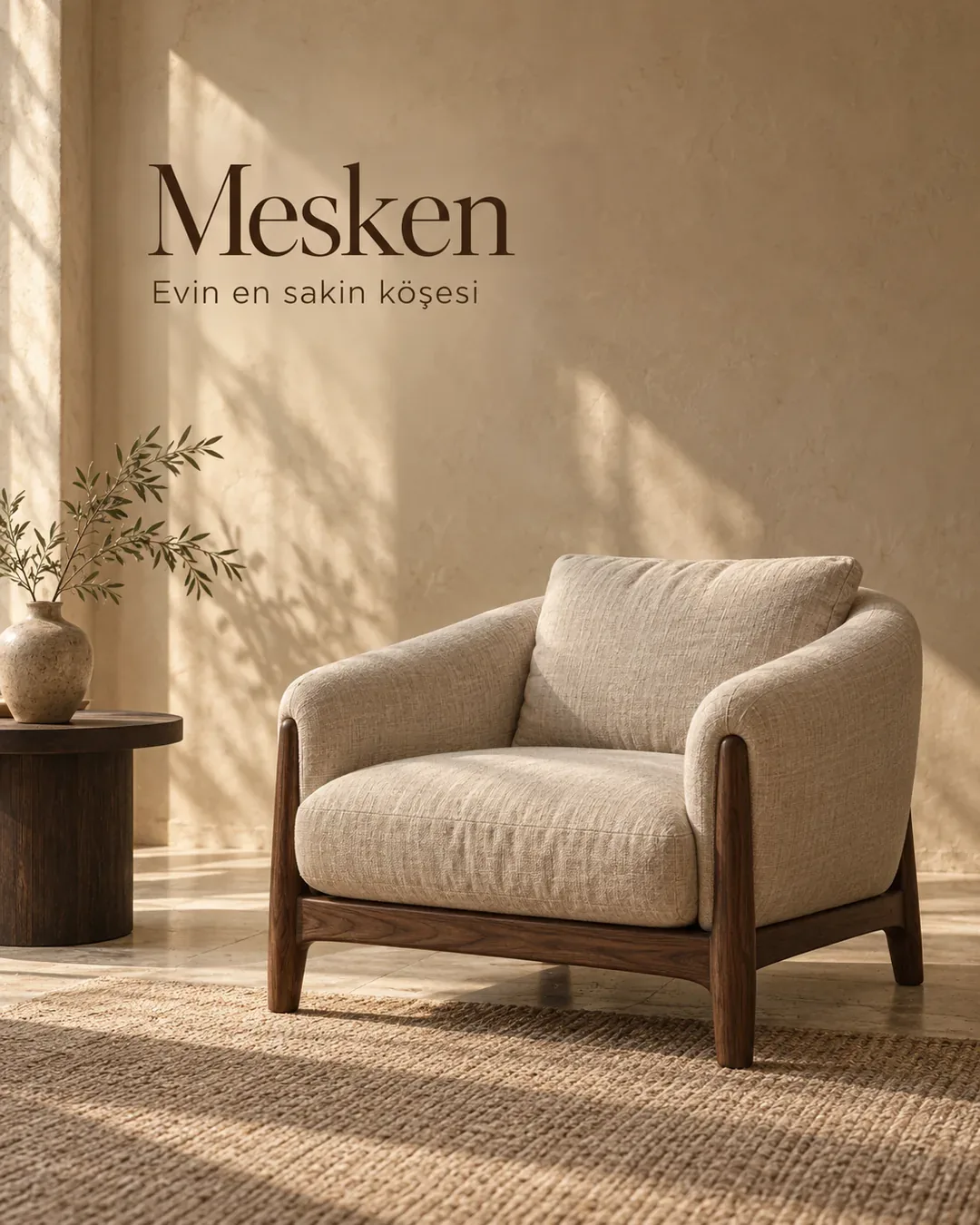
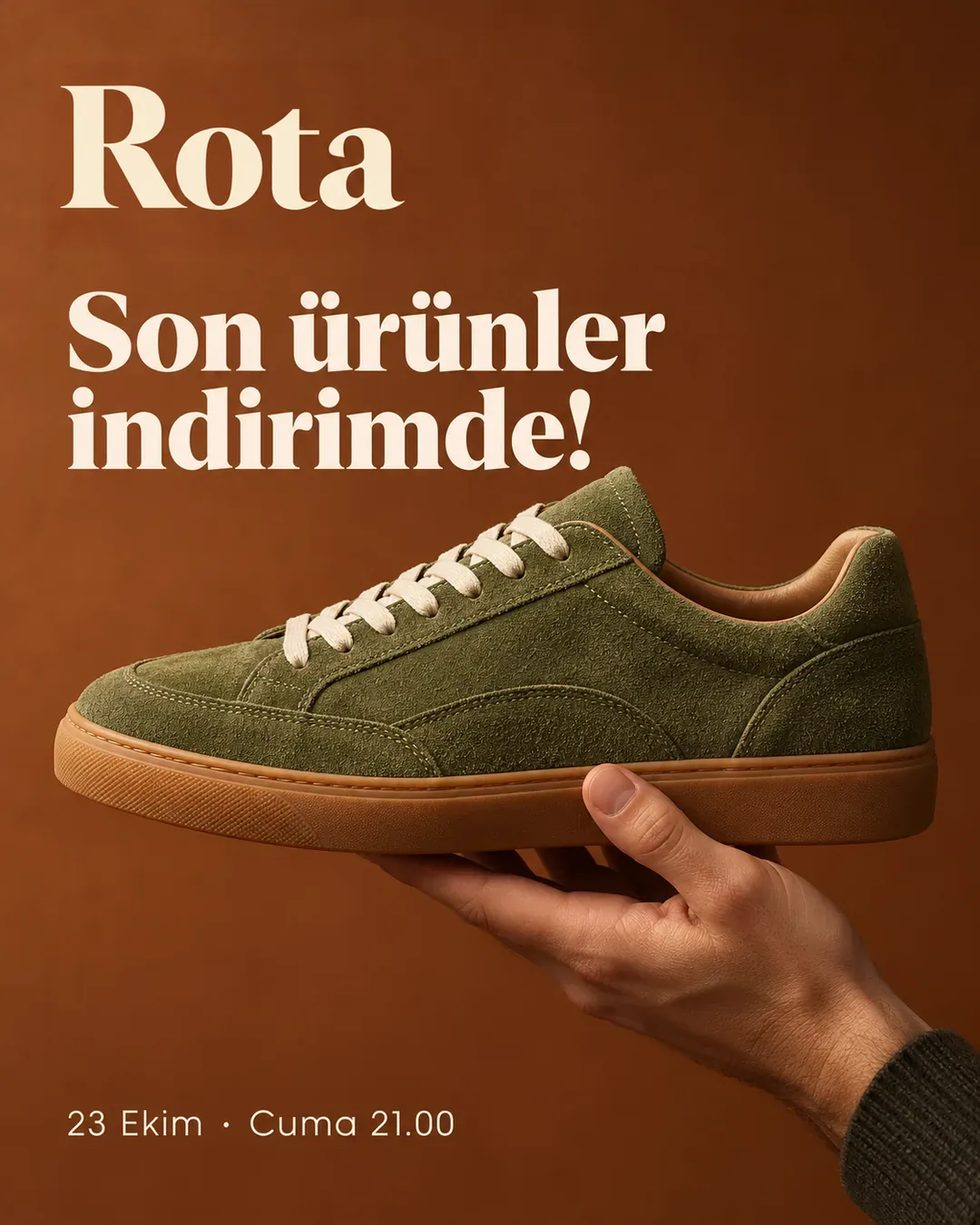
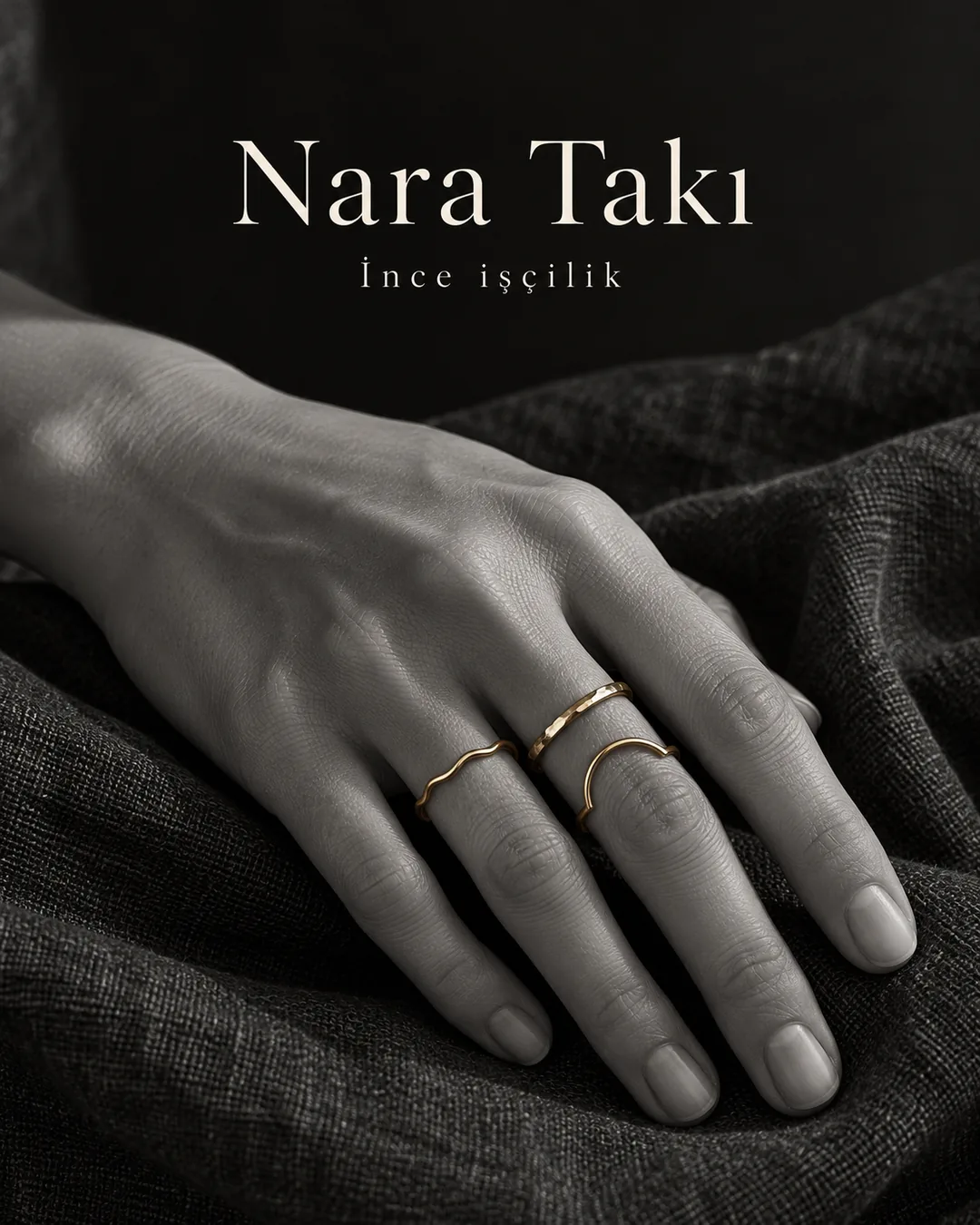
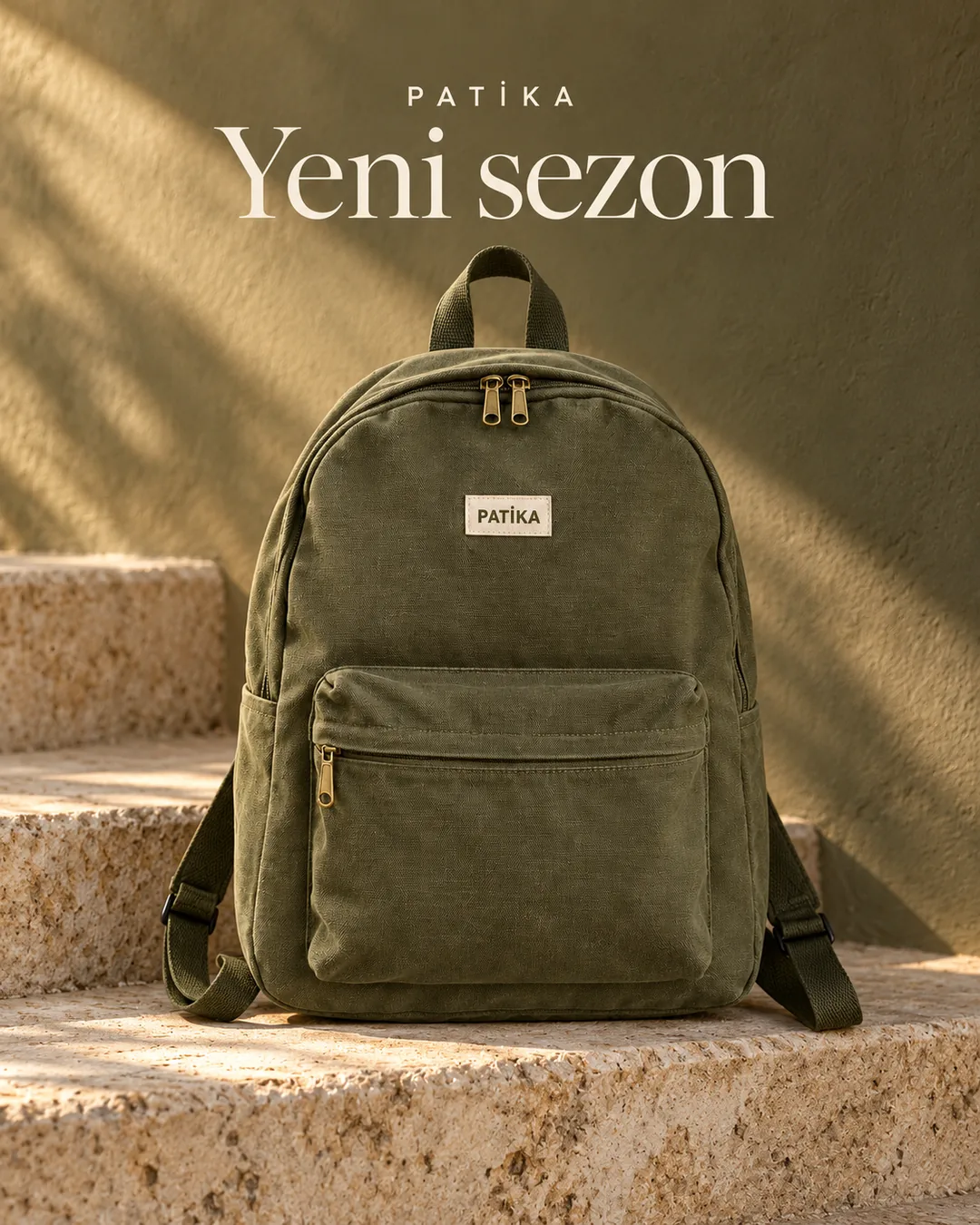
Upload your product photo and pick a style. CiroFly keeps your product exactly as it is and creates a ready-to-use visual for your Instagram and Meta ads.


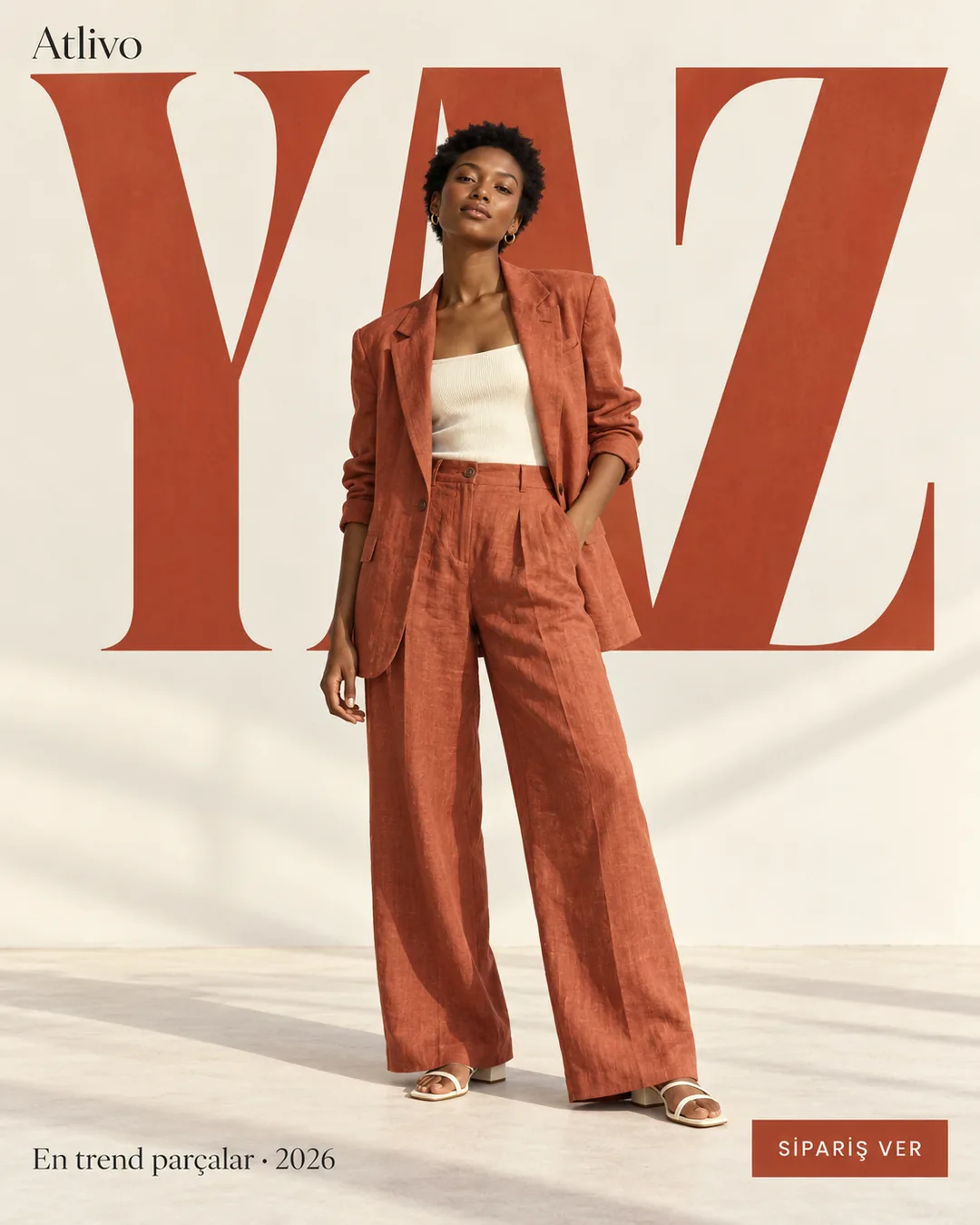
How it works
From photo to ad in three steps
- 01
Upload your product photo
A phone photo is enough. Type the product name and drop the photo; a photo with the label clearly visible from the front works best.
Creative StudioLet's create for your brand
Canvas backpack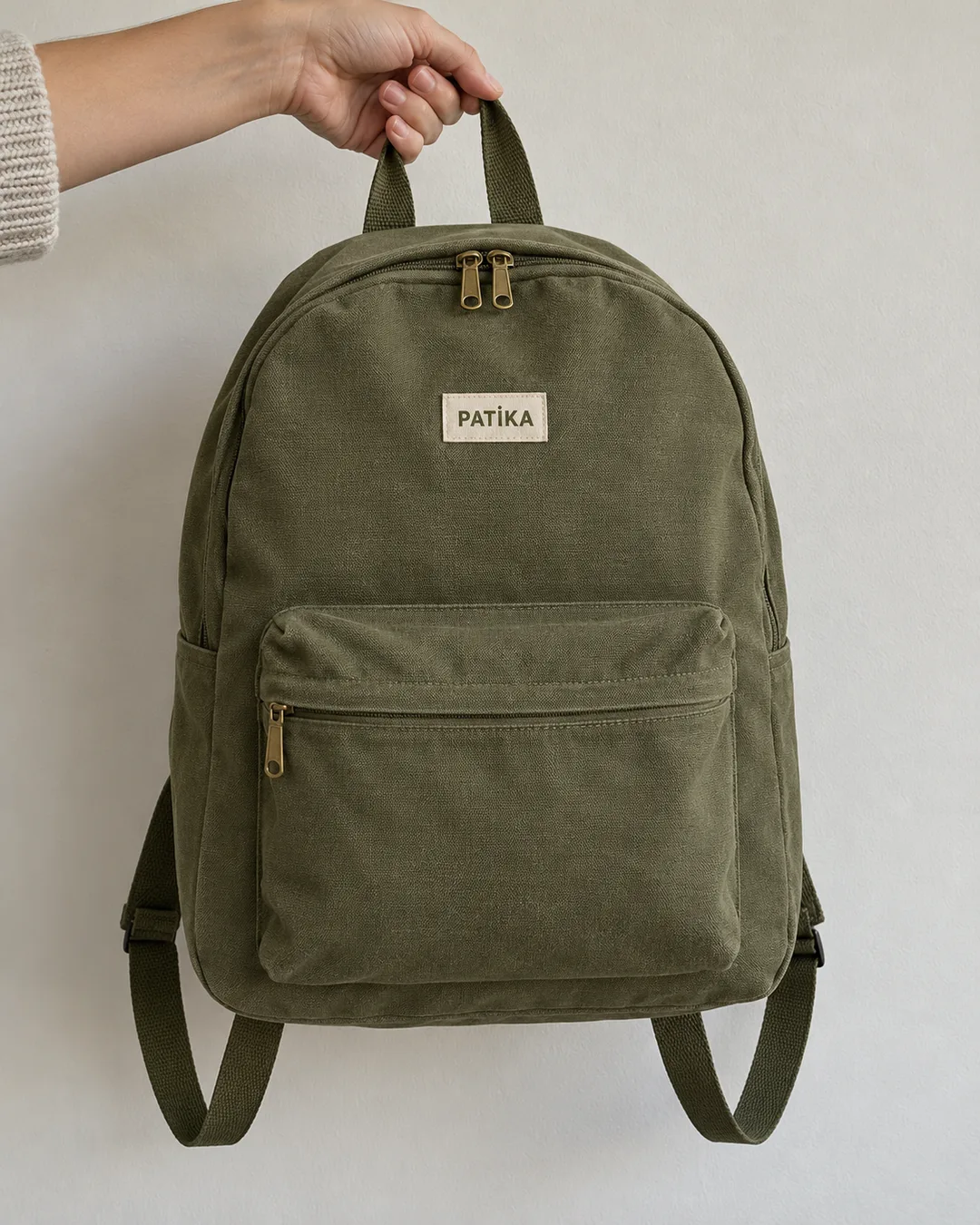 Product photo ready
A photo with the label clearly visible from the front works best.
Let AI pick and generatePick a style from the showcase
Generate this style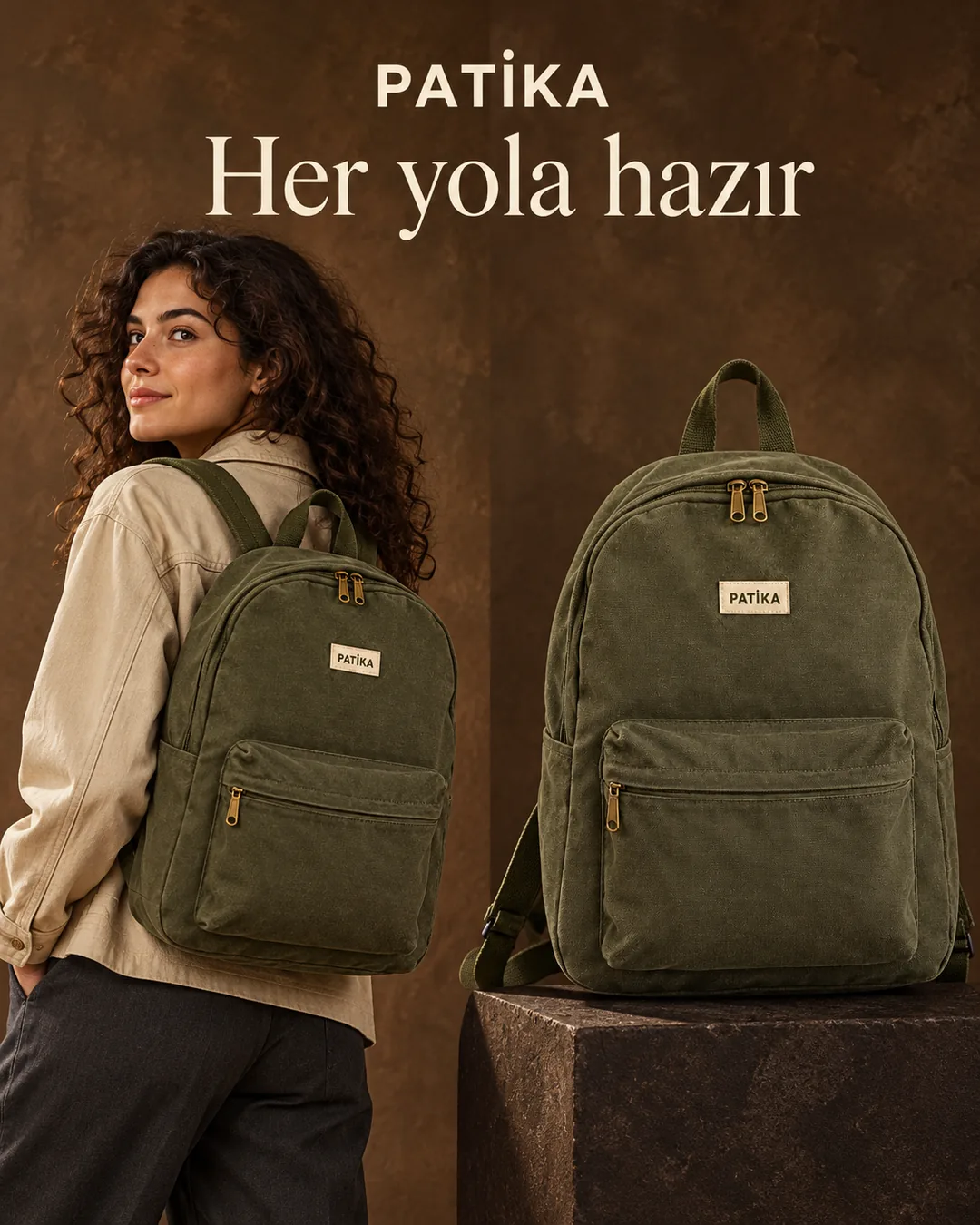 Edit in editorDownload visual
Versions
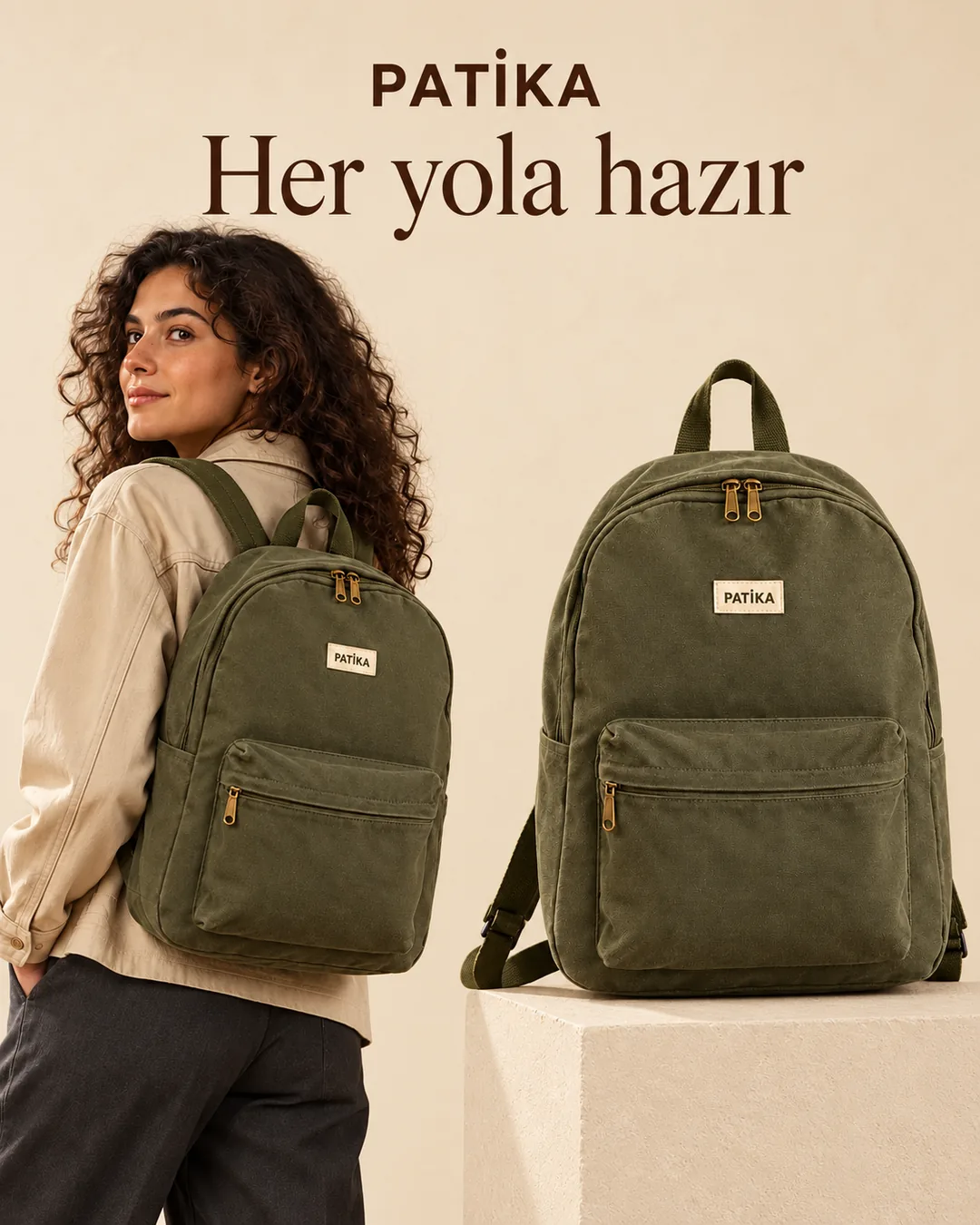
 Describe a fix or a new idea…
 - 02
Pick a style, or let AI pick
Choose a style you like from the showcase built for your industry. Can't decide? Leave the style and the copy to AI.
Creative StudioLet's create for your brand
Canvas backpackProduct photo readyA photo with the label clearly visible from the front works best.
Let AI pick and generatePick a style from the showcase
Generate this styleEdit in editorDownload visualVersions
Describe a fix or a new idea… - 03
Generate, edit, download
Once it's ready, change the text in the editor or describe what to change and get a new version. Download the one you like.
Creative StudioLet's create for your brand
Canvas backpackProduct photo readyA photo with the label clearly visible from the front works best.
Let AI pick and generatePick a style from the showcase
Generate this styleEdit in editorDownload visualVersions
Describe a fix or a new idea…
Let's create for your brand
A photo with the label clearly visible from the front works best.
Pick a style from the showcase
Generate this styleVersions
Why Creative Studio
Your product, your brand
Your product stays the same
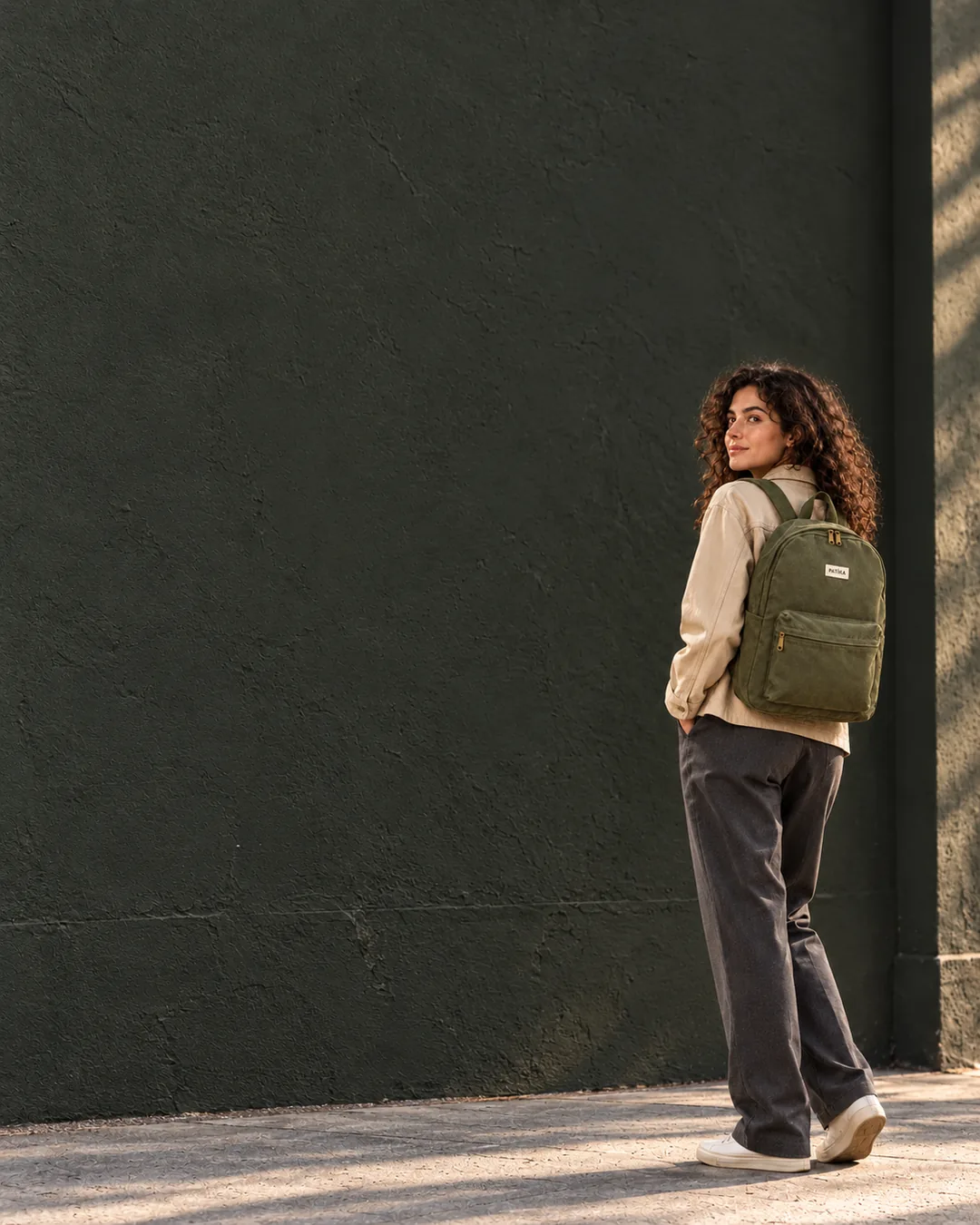
Your real product is used in the visual; its shape, label and colour don't change. You can show several products in one scene too.
İlkbahar indirimi
Şimdi %30 daha uygun
Flawless text
Headlines and prices are printed with the right characters, Turkish letters included.
PATİKAYour brand logo
The logo from your brand kit is placed on the visual, so every ad carries the same identity.
- The season's favourite is back
- Light, durable, with you every day
- Fast shipping on today's orders
Let AI suggest the copy
Headline suggestions based on your brand and product, in one click.
Fix it, get a new version
Describe what you want and get a new version; go back to older ones anytime.
Headline
Final touches in the editor
Adjust text, positions and the logo yourself, then download.
Frequently asked questions
Do I need a product photo?+
Yes. Your real product is used in the visual, so at least one product photo is required. You can also show several products in the same scene.
Which industries does it suit?+
There are ready styles for cosmetics, fashion, shoes and bags, jewellery, food, supplements, home and furniture, electronics and more; the showcase keeps growing.
Where can I use the visual?+
The visual you download is yours; use it in Instagram posts, Meta ads or your store.
What if I don't like it?+
Describe what you want to change and a new version is generated. All versions are kept on the My creations page.
How is it priced?+
Creative Studio runs on credits. The cost of each generation is shown on the Generate button; credits are shared with FlyPilot and never expire.
Create your first ad visual today
If your product photo is ready, the rest takes a few clicks. Runs on credits that never expire.