
Reading Meta campaign objectives in the dashboard
· 3 min read · Updated

Different Meta campaign objectives serve different goals, so reading them as one total is misleading. In CiroFly you can expand the Meta row in the source picker and filter by objective (sales, traffic, awareness…).
That way you can tell a client not just the total spend, but how much budget each strategy used — for example, evaluating the ROAS of sales campaigns on their own.
With all channels selected, store and marketplace revenue is combined with ad spend, and the overall ROAS is meaningful there. With only Meta selected, ad metrics come to the front; revenue still comes from sales channels.
See your ad, store and marketplace data in one dashboard
CiroFly combines your sales and ad channels and updates ROAS, revenue and channel breakdowns automatically every day.
Related articles

What is CiroFly? A reporting dashboard for agencies and e-commerce brands
CiroFly is a reporting and management dashboard that brings ad, store and marketplace data into one place. What it does, who uses it and which channels it connects.

How does your data stay up to date in the dashboard?
Automatic updates instead of manual exports and copy-paste — what it means for agency teams.
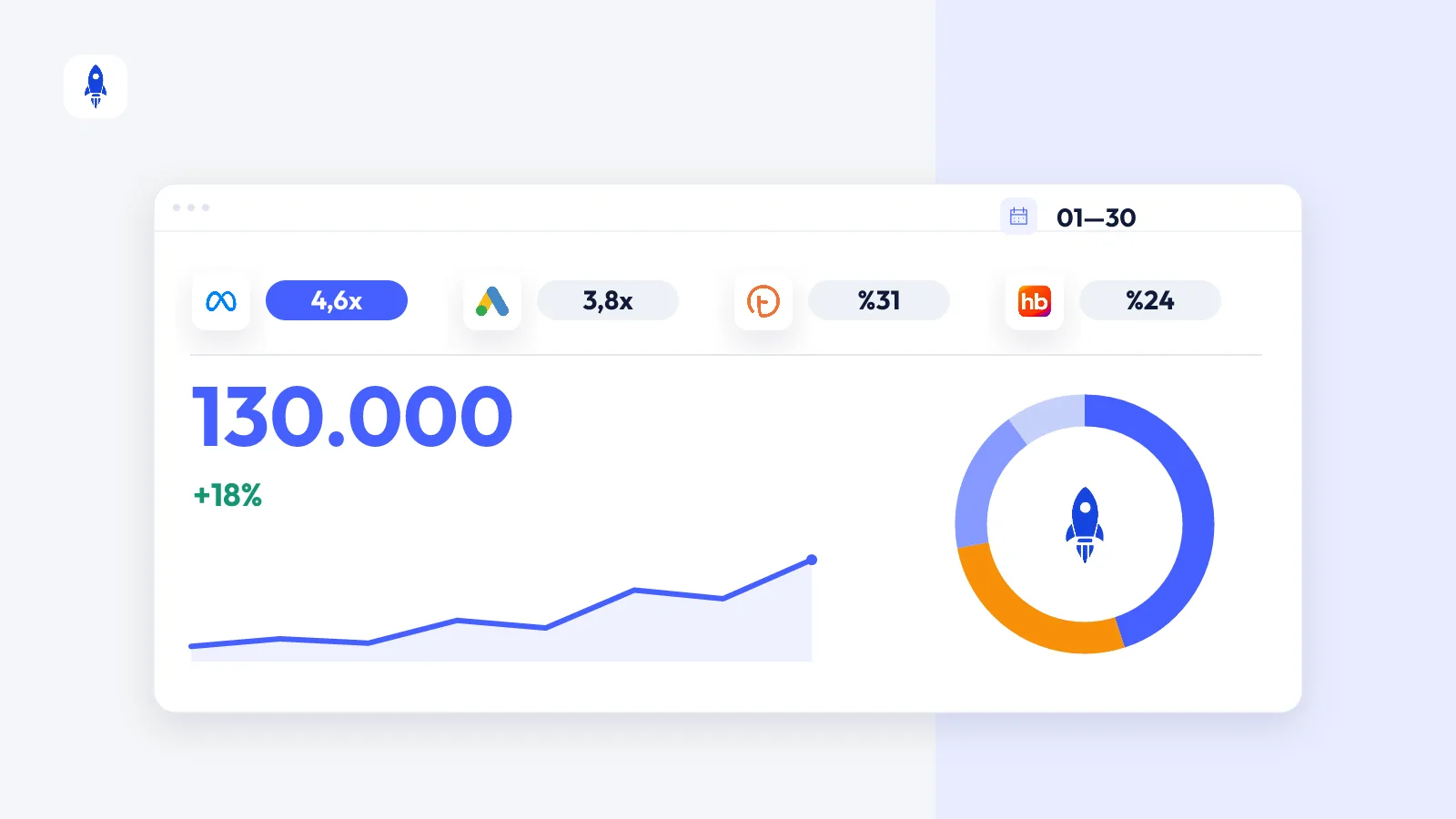
Bring brand performance into one dashboard
Daily metric cards, trend charts and channel breakdowns instead of scattered spreadsheets and platform screens.