
What is the Meta Conversions API (CAPI) and why does e-commerce need it?
· 8 min read
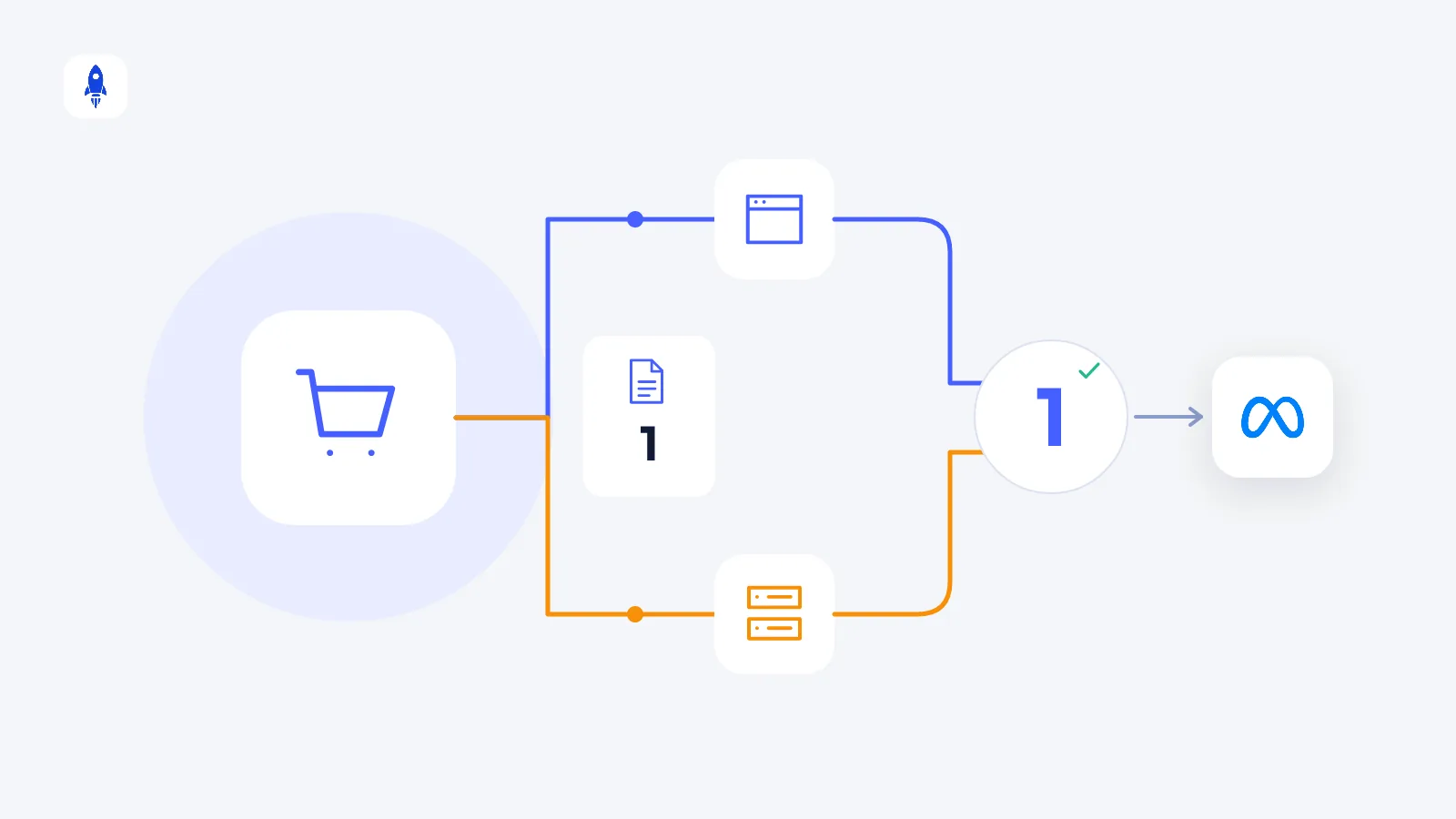
The Meta Conversions API (CAPI) sends events such as purchases to Meta directly from your server instead of the visitor's browser. It captures conversions the pixel misses because of ad blockers, iOS restrictions and cookie limits — improving both reporting and ad optimisation.
Why isn't the Meta Pixel enough on its own?
The Meta Pixel is code added to your site that runs in the visitor's browser. When someone buys, the browser sends that to Meta. But browser-side measurement now faces many obstacles:
- iOS and in-app browsers: Apple's App Tracking Transparency and browser restrictions limit tracking.
- Ad blockers: They can stop the pixel from loading altogether.
- Cookie lifetimes and restrictions: Browsers shorten the life of third-party and some first-party cookies.
- Pages that don't fully load: A visitor who leaves before the thank-you page loads may never send the purchase.
The result: some sales never reach Meta. Meta can't report them, and the algorithm wrongly learns that “this ad doesn't sell”.
How does the Conversions API work?
With CAPI, the purchase goes to Meta from your server, not the browser. As soon as the order lands in your database, your server tells Meta “a purchase of this amount happened at this time”. Browser obstacles don't affect this path.
Customer details are sent with the event for matching: email and phone are passed irreversibly hashed (SHA-256), and the IP address, browser information and Meta's _fbp/_fbc cookies also help with matching.
Should the Pixel and CAPI be used together?
Yes. Meta's recommended setup uses both: the pixel sends the event from the browser, CAPI sends the same event from the server. If one misses, the other catches it.
How is double counting prevented?
When the same purchase arrives by both routes, Meta mustn't count it twice. To prevent that, the event sent by each route gets the same event ID (event_id) and the same event name. Meta merges events with the same ID (deduplication). If the IDs don't match, sales are counted twice and ROAS looks higher than it is.
What is Event Match Quality?
In Meta Events Manager you'll see an Event Match Quality score from 0 to 10 for each event. The more complete and accurate the customer information you send, the better Meta can match the event to an account. To raise the score:
- Hash and send email and phone in the correct format (lower case, no spaces, with country code).
- Add the _fbp and _fbc cookie values, IP and browser information to the event.
- Send an external ID for logged-in customers.
Ways to set up CAPI
- Your e-commerce platform's built-in integration: Many platforms include CAPI in their Meta integration. It's the fastest route — make sure server-side sending is enabled in the settings.
- A server-side tag manager: You send events from the server through a middle layer such as the server version of Google Tag Manager.
- A direct integration: Your developers send an event to Meta's API whenever an order is created. This gives the most control.
What should you check after setup?
- That the purchase event arrives from both the browser and the server in Events Manager,
- That deduplication works (the event count isn't double the order count),
- That the value's currency and VAT definition match your store report,
- The Event Match Quality score.
After setup, the number of sales in Meta should move closer to your store's — but they won't become identical. We explain the remaining causes in why ad platform and store data don't match.
Privacy and cookie consent
Sending visitor data to Meta for ad measurement is personal data processing. You need explicit consent for marketing cookies and measurement, must not send data for visitors who decline, and should state this transfer clearly in your privacy notice. Make sure your cookie consent covers both the pixel and server-side sending, and get advice from your legal counsel on the details.
The bottom line
With the pixel and CAPI set up together, Meta sees more of your sales, the algorithm learns more accurately and reports come closer to your store's. Even so, budget decisions should read ad data together with store and marketplace revenue — CiroFly brings both sides together in one dashboard.
Frequently asked questions
Does the Meta Conversions API cost anything?+
No, using Meta's Conversions API is free. Any cost comes from the platform, server or development work used to set it up.
Should I remove the Meta Pixel after setting up CAPI?+
No. Meta recommends using the pixel and CAPI together; events sent with the same event ID are deduplicated, and if one misses the other catches it.
Does CAPI cause double counting?+
If the event ID (event_id) and event name are the same on both routes, Meta merges the events and nothing is double counted. If the IDs don't match, sales are counted twice.
How do you improve Event Match Quality?+
Hash and send email and phone in the correct format, add the _fbp/_fbc cookies, IP and browser information, and send an external ID for logged-in customers.
See your ad, store and marketplace data in one dashboard
CiroFly combines your sales and ad channels and updates ROAS, revenue and channel breakdowns automatically every day.
Related articles
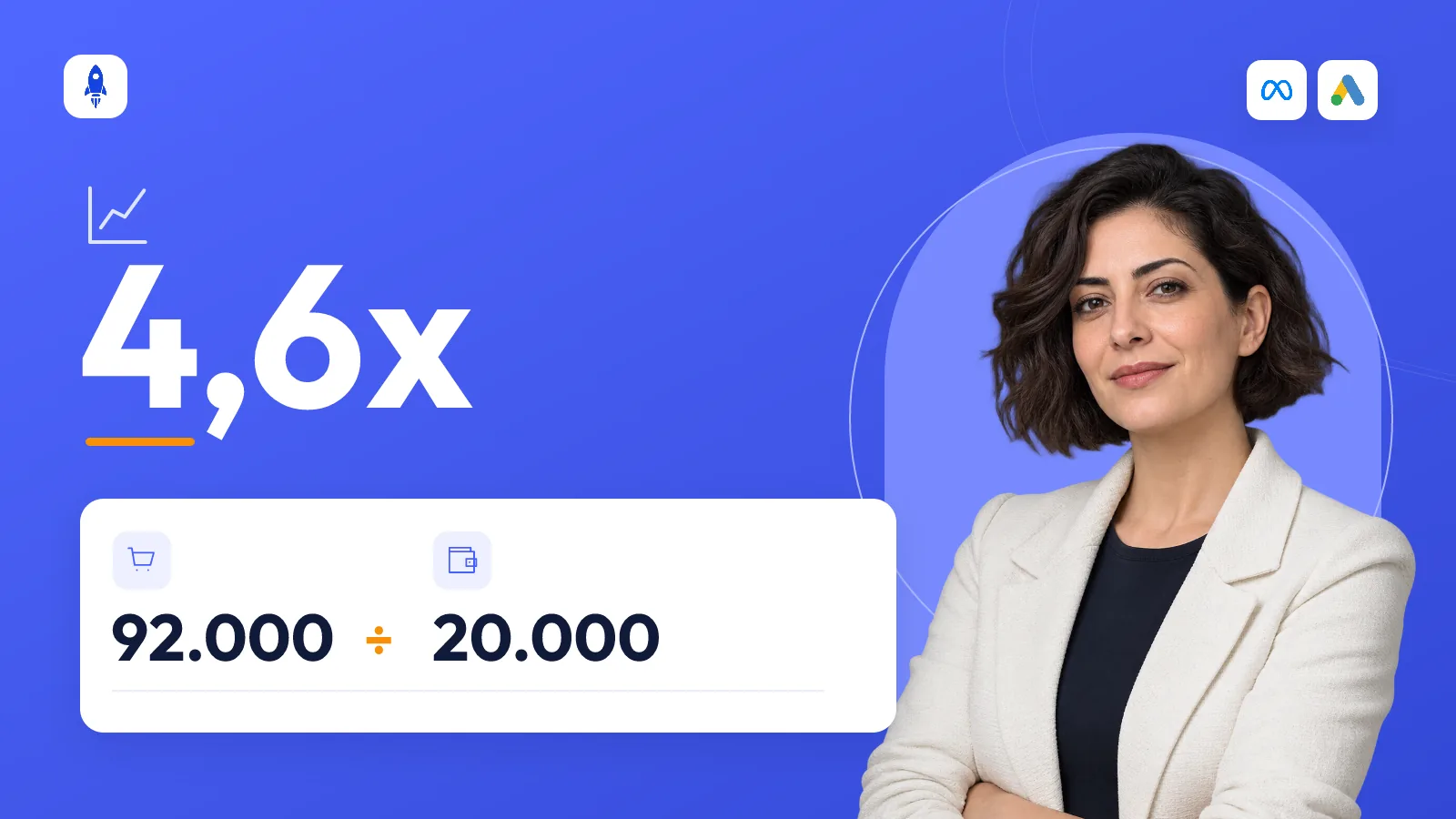
How to calculate ROAS in e-commerce — and what is a good ROAS?
The ROAS formula, how to work out break-even ROAS, how VAT and returns affect it, and how to set a target ROAS for your brand step by step.
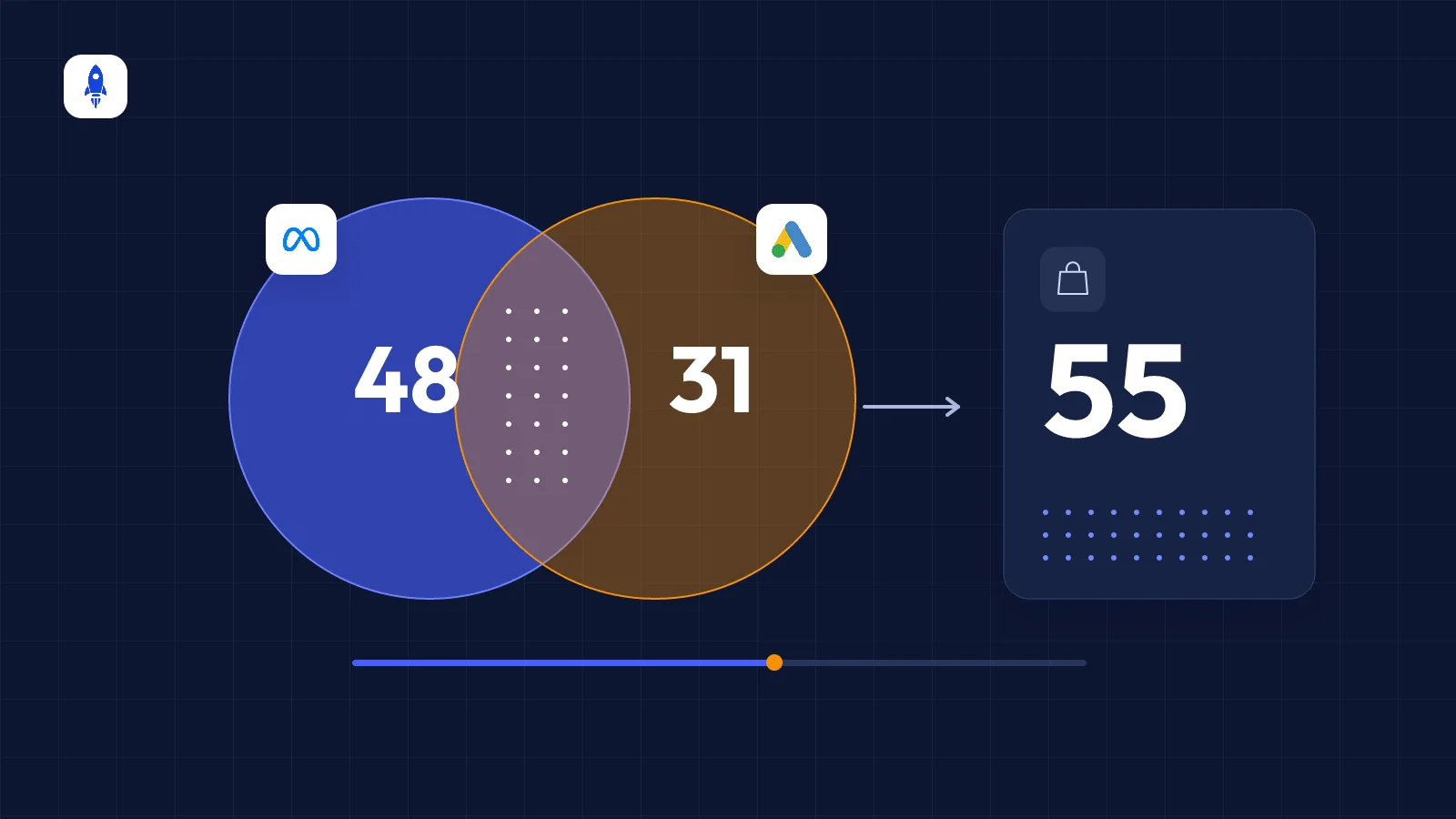
Why don't Meta and Google sales match your store?
Seven reasons ad platform sales differ from your store revenue, how much difference is normal, and which number to base decisions on.
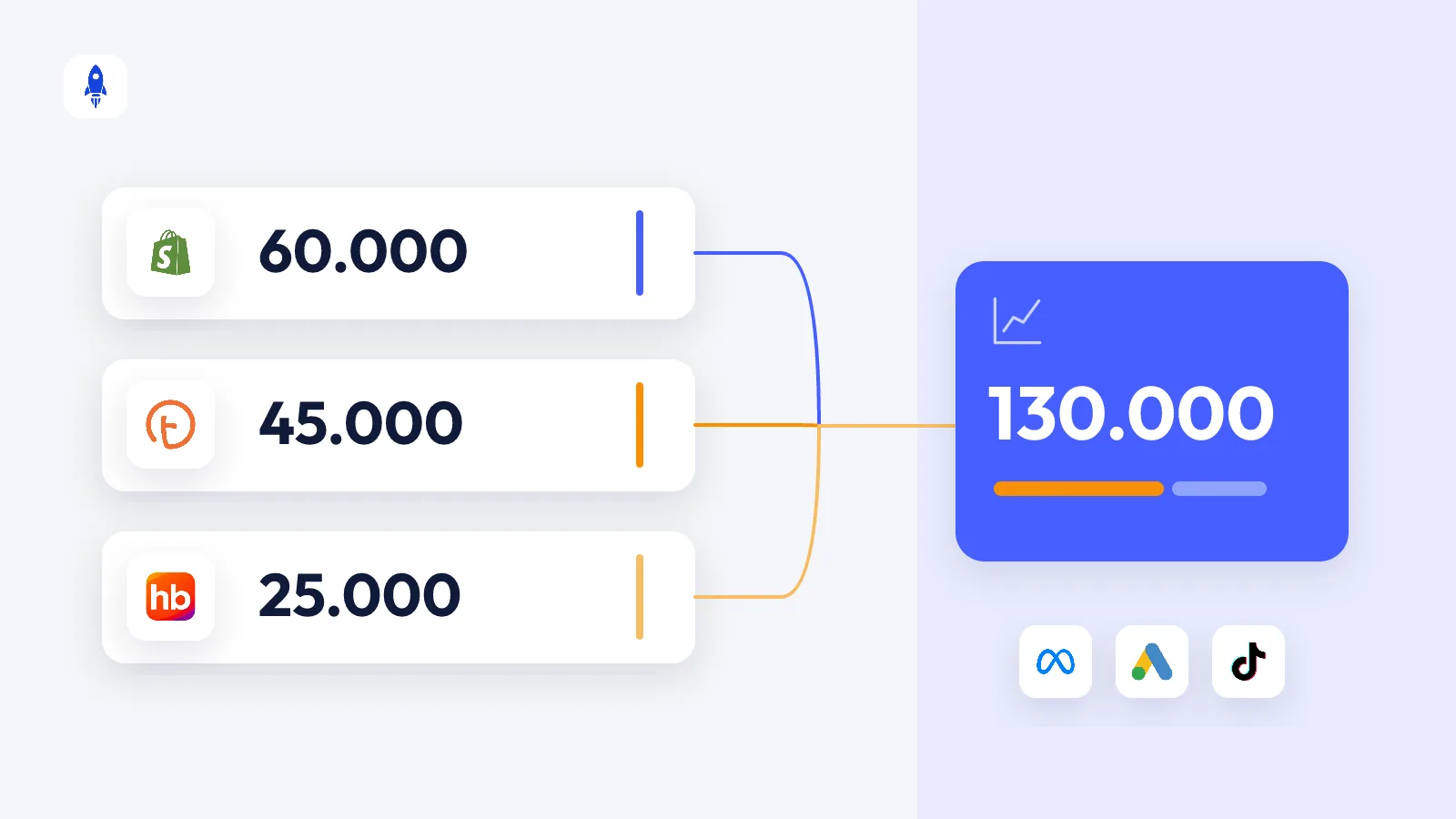
How to count marketplace sales in your ad performance
Measuring how Meta and Google ads affect sales on marketplaces like Trendyol, Hepsiburada and n11 — reading it correctly with blended ROAS, MER and channel share.